
Automotive service software
The AI Operating System for Modern Automotive Service.
RevLane brings leads, scheduling, estimates, repair orders, digital inspections, technician workflows, customer communication, payments, and revenue intelligence into one connected platform.
The problem
Service work runs through too many disconnected tools
Leads sit in an inbox. Scheduling lives on a whiteboard. Estimates are texted. Inspections are photos on a phone. Invoices are somewhere else entirely. Work slips between the gaps, and so does revenue.
- Service requests arrive in five places
Phone, web form, text, social DM, walk-in — nobody owns the list.
- Estimates approved by text message
No authorization trail if the customer disputes the work later.
- No record of what a customer deferred
Declined recommendations disappear instead of becoming future revenue.
- Technician time tracked on paper
Actual hours never make it back into pricing or payroll.
- Follow-up depends on who remembers
Leads go quiet and nobody notices until the month closes.
- Reporting assembled by hand
Spreadsheets built after the fact instead of numbers you can act on.
One connected platform
Every step of a service job, in one system
Capture every service opportunity, move work through the shop, and recover revenue that would otherwise be missed.
Hover any step to see what RevLane does there.
- 01LeadEvery quote request, AI Service Check, callback, and abandoned booking lands in one pipeline.
- 02BookingConvert the lead into a scheduled appointment for a bay or a customer location.
- 03EstimateLine-level pricing the customer approves, declines, or defers — each choice recorded.
- 04Repair OrderServices and labor operations under one record the whole team can see.
- 05Digital InspectionFindings, photos, and measurements attached to the vehicle, not a phone.
- 06Technician WorkAssignments, notes, parts requests, and time tracked per labor operation.
- 07InvoiceGenerated from the completed repair order without re-keying anything.
- 08PaymentCollected in the shop or on location, reconciled against the same record.
- 09Follow-UpPost-service check-ins and comeback tracking tied to the original job.
- 10Revenue RecoveryDeferred work and quiet leads resurface as a prioritized action queue.
Front brake pads & rotors
2 labor operations · parts reserved
Cabin air filter
Recommended from inspection
Coolant flush
Awaiting customer authorization
Front brake pads
Measured 3 mm · 2 photos
Rear tires
Tread 5/32 · monitor
Battery
12.5 V under load · pass
Customer authorization
Line-by-line approve, decline, or defer
AI service intake
Understand the job before the vehicle arrives
AI Service Check turns a customer's plain-language description into structured intake: vehicle, complaint, urgency, and the follow-up questions your advisors would have asked anyway.
Guided intake
Symptom captured with the context your team needs to quote and schedule.
Follow-up questions adapt to the symptom, so advisors stop chasing basics.
Delivery routing
Flags whether the work fits mobile service or requires the shop.
Jobs needing a lift or alignment rack are routed to the shop automatically.
Human in the loop
AI suggests; your staff confirms. Nothing is promised to a customer automatically.
Straight to the pipeline
Every check becomes a tracked lead with an owner and a next action.
Customer description
“Grinding from the front when I brake, worse when cold.”
Likely area: front brake system
Confidence indicated, not diagnostic
Suggested intake questions
Pulling? Vibration? Warning light?
Routing
Shop visit — lift required
Staff review
Awaiting service advisor confirmation
Brake noise — 2019 SUV
AI Service Check · New
Quote request — timing belt
Instant Quote · Review required
Callback request
Contact form · Contacted
Abandoned booking
Step 2 of 4 · Follow-up due
Fleet inquiry — 6 vehicles
Referral · Qualified
Lead management
No service opportunity leaves without a decision
Quote requests, AI Service Check submissions, callback requests, and abandoned bookings all land in one pipeline with follow-up and conversion tracking.
- Quote requests
Pricing asks captured with vehicle and service context attached.
- AI Service Check leads
Structured symptom intake ready for an advisor to review.
- Callback requests
Missed calls and “call me back” forms queued with an owner.
- Abandoned bookings
Started but unfinished bookings recovered instead of lost.
- Follow-up sequencing
Next action and due date on every open opportunity.
- Conversion tracking
See which sources actually become paid repair orders.
Repair operations
Move work through the shop without guesswork
Repair orders carry services and labor operations, assignments, parts status, and service status — visible on one workflow board.
Repair orders
Services and labor operations under a single record.
Change a service and the estimate, technician view, and invoice stay in sync.
Scheduling
Capacity-aware appointments for shop and on-location work.
Availability accounts for bay capacity, technician skills, and travel time.
Technician assignment
Right job, right technician, with time tracked per operation.
Assign by skill and load, then see live time against each labor operation.
Service status
One shared view of what is waiting, in progress, and ready.
Waiting on parts, in progress, ready for pickup — one board, no phone tag.
Digital vehicle inspections
Evidence customers can actually act on
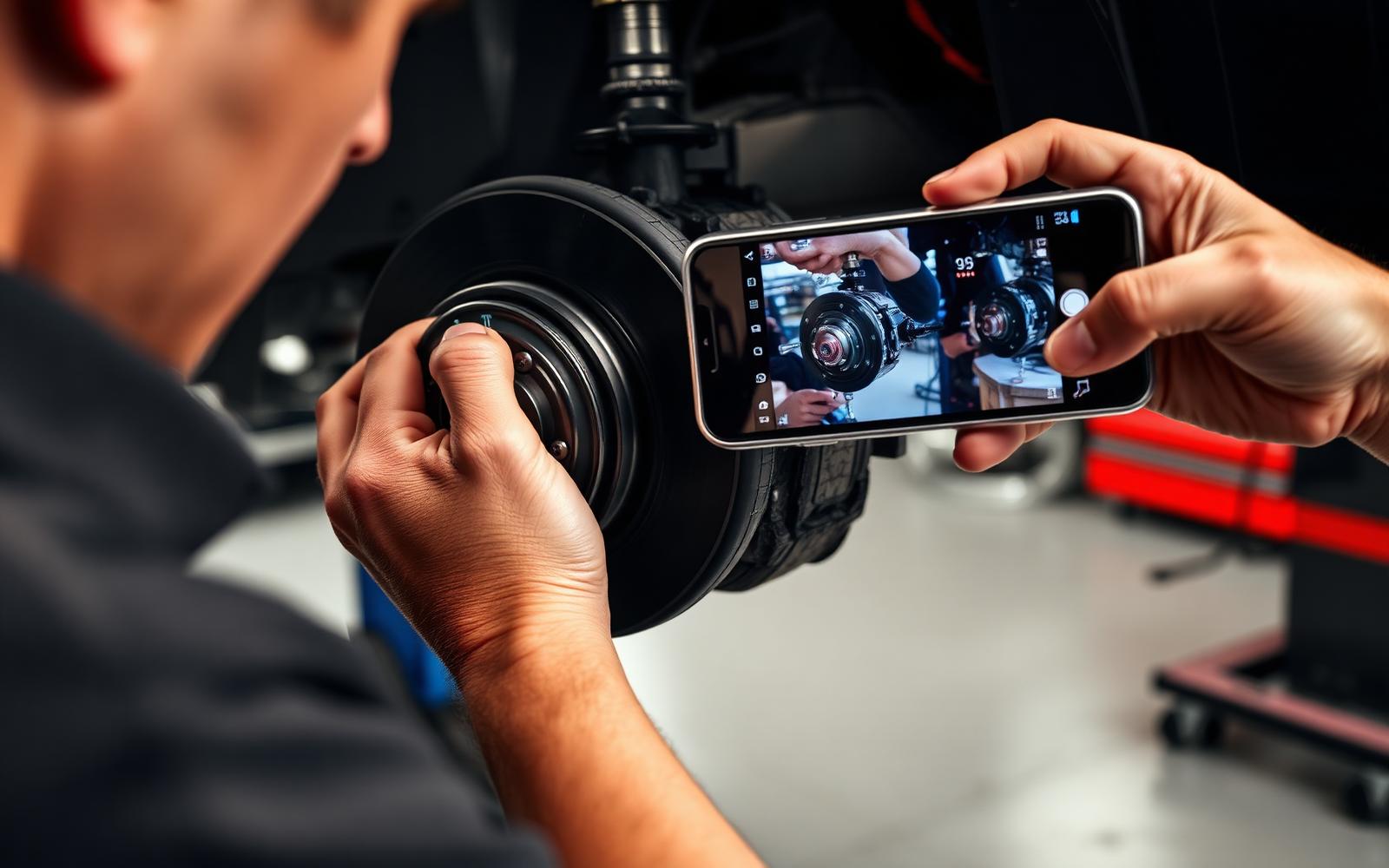
Findings, photos, and real measurements go to the customer for line-by-line authorization. Declined work stays on record as a future opportunity.
- Inspection findings
Red, yellow, and green results per inspected item.
- Photos and video
Visual proof attached to the finding, not sent separately.
- Measurements
Pad thickness, tread depth, and readings recorded as values.
- Customer authorization
Line-by-line approve, decline, or defer with a timestamp.
- Recommendations
Suggested work ranked by safety and urgency.
- Deferred work history
Postponed items stay on the vehicle record for later.
Three connected portals
One platform, three purpose-built experiences
Customers, technicians, and owners each work in a surface designed for their job — sharing the same underlying record.
For vehicle owners
Customer Portal
- Vehicles
- Appointments
- Estimates
- Inspections
- Authorizations
- Invoices
- Payments
- Service history
For technicians
Mechanic Portal
- Assigned repair orders
- Schedule
- Digital inspections
- Approved work
- Technician notes
- Time tracking
- Photos and videos
- Parts needed
Leads are intentionally excluded from the Mechanic Portal.
For automotive businesses
Owner/Admin Portal
- Leads
- CRM
- Service requests
- Repair orders
- Scheduling
- Estimates
- Invoices
- Mechanics
- Reports
- Revenue Opportunities
- AI Business Center
My vehicles
2020 Sedan · 2016 Pickup
Estimate ready
Approve, decline, or defer each line
Inspection report
Photos, measurements, technician notes
Invoice & payment
Pay online, receipt stored in history
RO-1042 · Front brakes
Approved work · clock in to start
RO-1039 · Diagnostic
Add findings, photos, and notes
RO-1031 · Oil service
Parts needed flagged to advisor
Time tracking
Labor entries per operation
Revenue intelligence
The work you already earned, surfaced as a queue
RevLane watches the gaps between activity and outcome, then hands your team a prioritized list of what to act on today.
Stale leads
Opportunities that went quiet before anyone followed up.
Sorted by value and age so your team calls the best ones first.
Unanswered quotes
Quotes sent but never accepted or declined.
One click to resend with the original line items intact.
Deferred work
Recommendations a customer postponed, ready to revisit.
Pulled from inspection history with the technician’s original note attached.
Overdue invoices
Completed work that has not been paid.
Aging buckets with the repair order and payment history one click away.
Stale leads
No contact in 48 hours
Unanswered quotes
Sent, not yet viewed or accepted
Deferred work
Declined recommendations worth revisiting
Unapproved estimates
Awaiting customer authorization
Overdue invoices
Past due, payment not received
Maintenance due
Interval reached since last visit
Shop, mobile, or both
Built for the way your automotive business operates
RevLane adapts to your operating model. Capabilities, scheduling, and service delivery change with it — no separate product, no workarounds.
SHOP_ONLY
Repair Shop
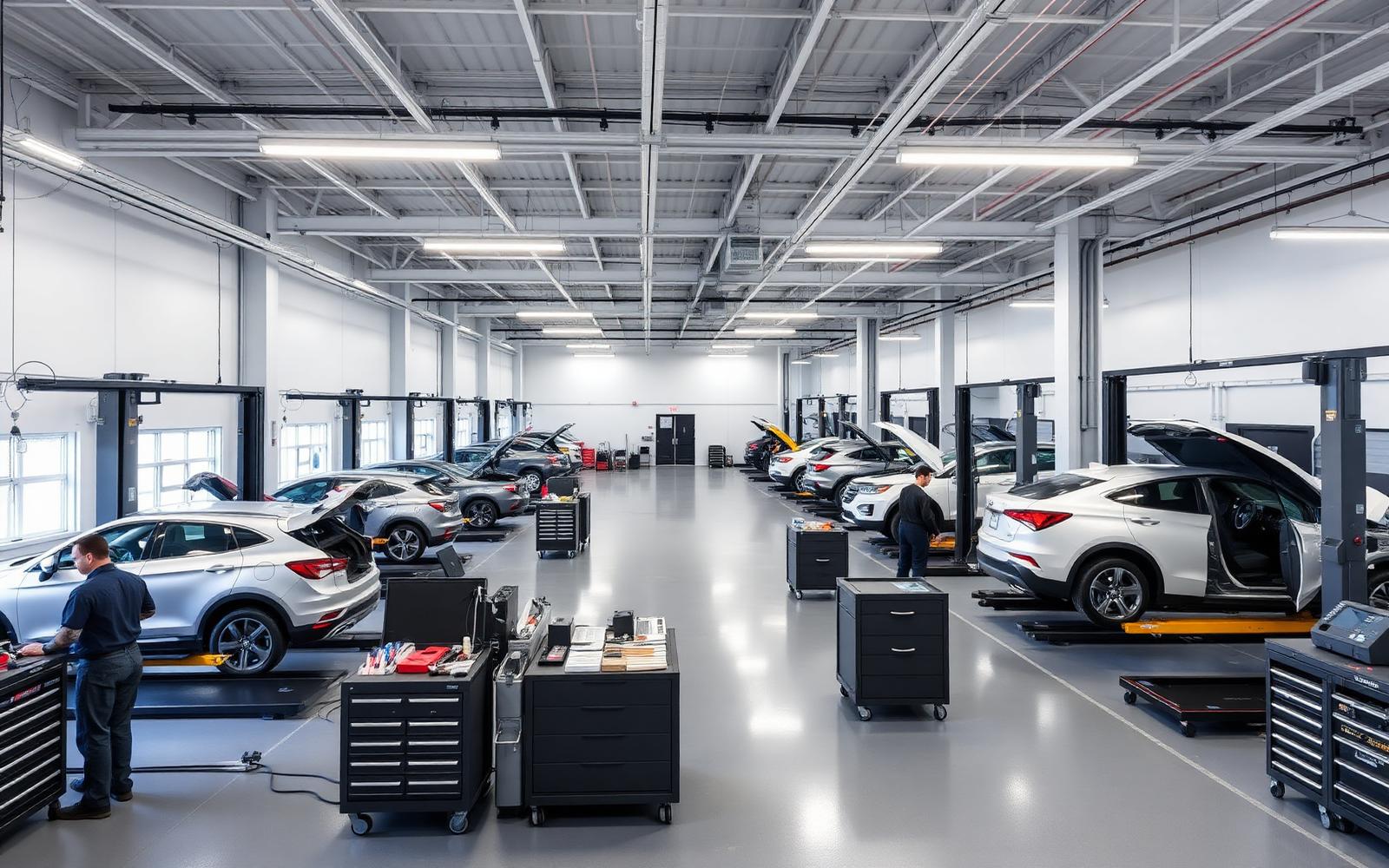
Bays, lifts, and capacity-driven scheduling for physical-shop operations.
Bay availability, technician load, and parts status drive the schedule board.
MOBILE_ONLY
Mobile Mechanic
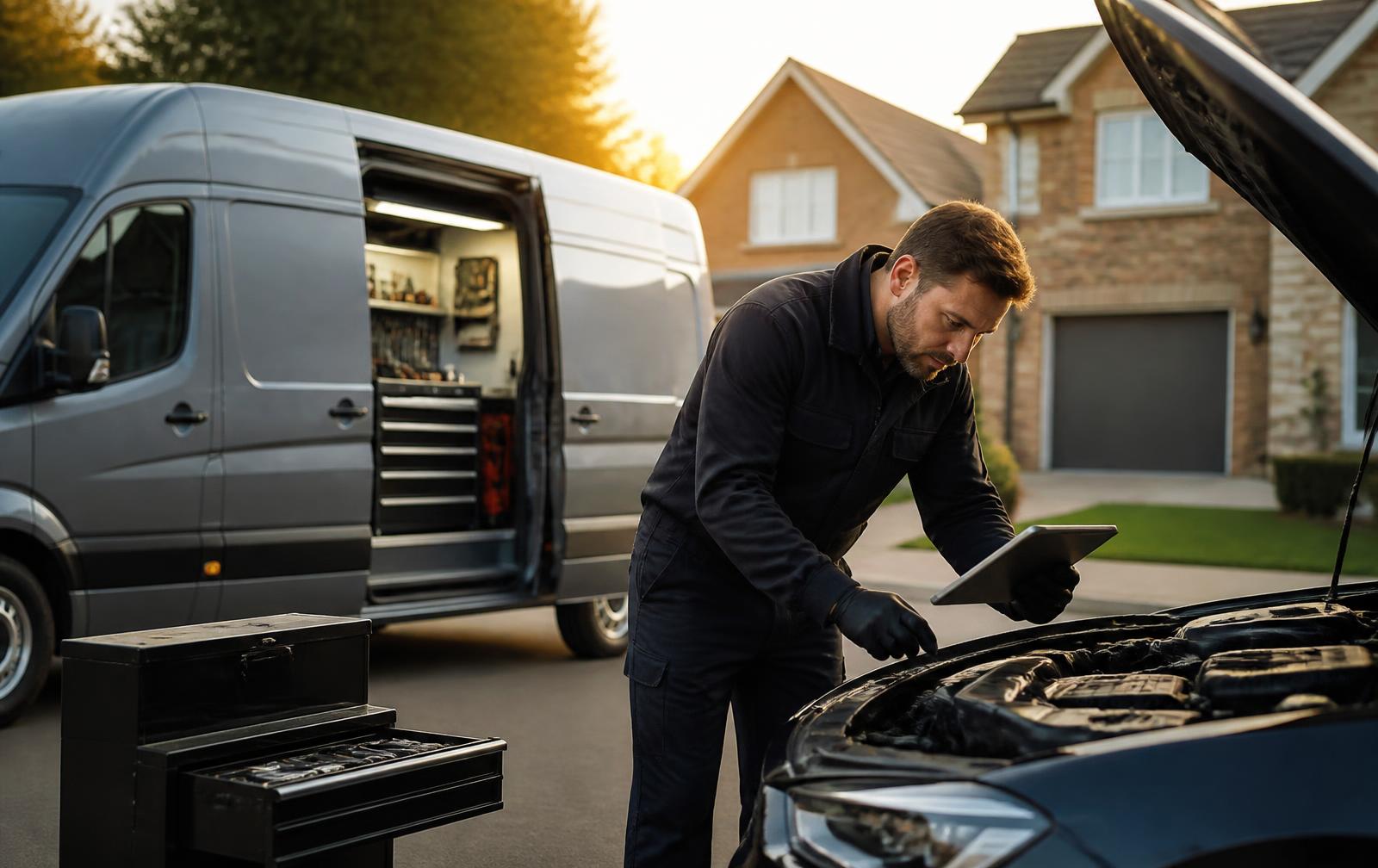
Service areas, customer-location appointments, and technician routing foundations.
Mobile eligibility per service, travel windows, and on-site estimates and payment.

HYBRID
Hybrid
One catalog, two delivery modes. Each service is routed to shop or mobile per job.
The same repair order works whether the vehicle comes in or the technician goes out.
See RevLane running your service workflow
Walk through leads, estimates, repair orders, inspections, and revenue recovery with your own operating model in mind.